Monitor degrades
A selected component reflects the failed monitor state.
Degraded
Health, update, trust
PageLantern turns monitor health, incident updates, maintenance, and recovery history into a hosted customer-facing page with your selected components and brand.
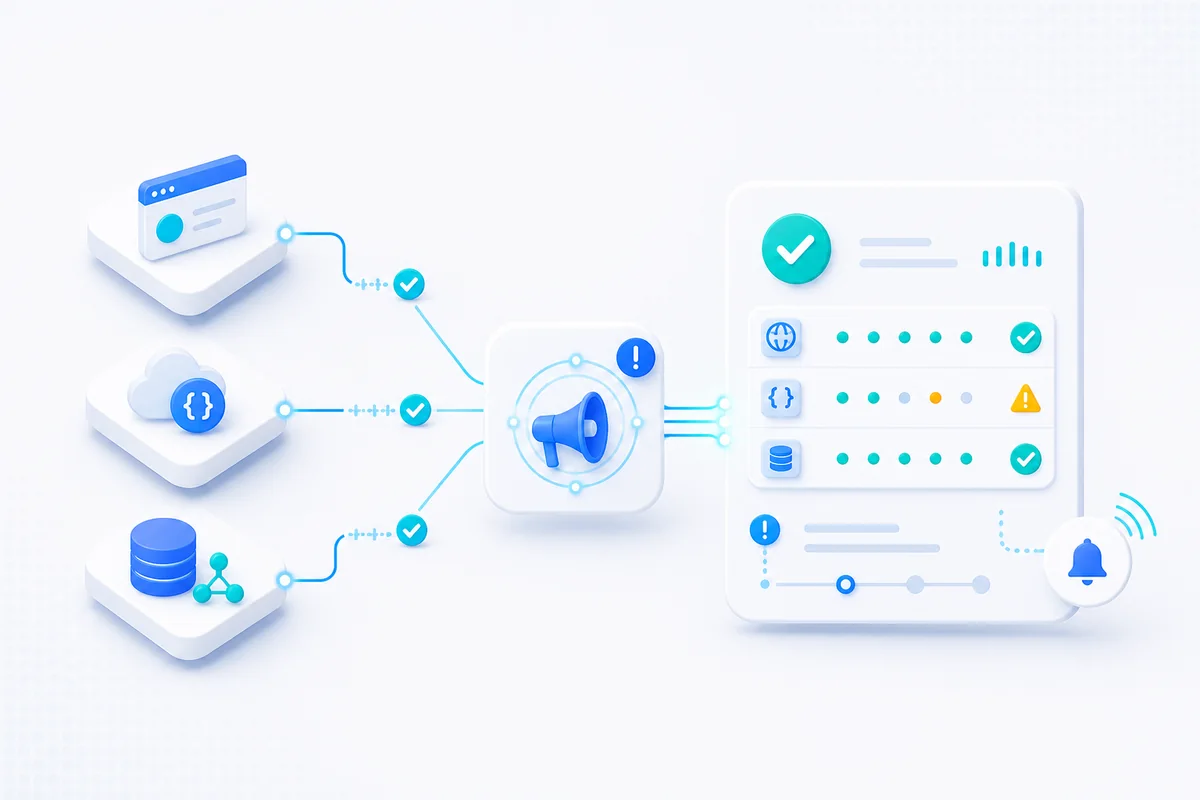
A selected component reflects the failed monitor state.
DegradedThe incident timeline explains scope, impact, and the current response.
InvestigatingThe component and incident history preserve the return to healthy.
OperationalLive health and communication
Choose which services appear, publish the customer-facing narrative, and keep current health and history on the same hosted page.
Customer health
Communication controls
Plan access: Free includes 1 hosted page and automatic incidents. Starter includes 3 pages and Team 10; manual timeline updates and maintenance windows are paid features. Custom domains require DNS ownership verification.
Example page
Illustrative values show the public component state and communication trail together.
Next step
FAQ
Status pages connect monitored components, incident timelines, maintenance notes, and uptime history, so customers see current service health from the same monitors your team watches.
Yes. You select which monitors and component types appear on each status page, and control visibility, naming, colors, and logo.
Yes. A public status page can collect email subscribers for every component or selected components, then send customer-facing incident and maintenance updates with one-click unsubscribe links.